What players say
Dora Find Differences offers a straightforward spot-the-difference experience with charming graphics. Each level presents a new scene, and the three-wrong-click limit adds a mild challenge without causing frustration. The game is easy to pick up and works well on both desktop and mobile. It is ideal for short breaks or casual play. The lack of timers makes it stress-free, and the family-friendly theme ensures it is appropriate for children and adults alike. While the core gameplay is simple, the variety of scenes provides enough novelty to keep players engaged for several sessions.
About this game
Game Introduction
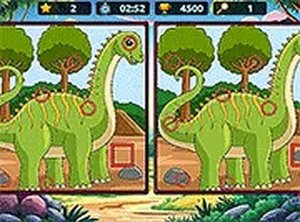
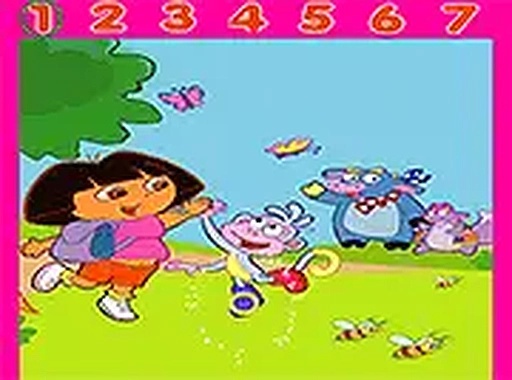
Dora Find Differences is a delightful spot-the-difference puzzle game where players help Dora find all seven differences in each level. The game challenges your observation skills as you carefully compare two similar images and click on the areas that are different. With a friendly and colorful design, this game is perfect for players of all ages. Each level presents a new scene with Dora, and you must find all differences to complete the level. You have three chances to click on the wrong spot before the game ends. Enjoy this engaging and family-friendly game.
How to Play
To play Dora Find Differences, simply look at the two images side by side and find the seven differences. Click on the area in the image where you spot a difference. If you are correct, the difference will be marked. You can click on the wrong spot up to three times; after that, the game is over. Complete the level by finding all differences. The game runs directly in your browser on both desktop and mobile devices, and you can play in full screen mode for a better experience.
Game Features
Spot seven differences in each level. Three wrong clicks are allowed before the game ends. Family-friendly design with bright, cheerful graphics. Playable on desktop and mobile browsers. Full screen mode available for an immersive experience.
Tips for Success
Take your time and scan each image methodically, comparing one section at a time. Start from the top left and move across the image to avoid missing any differences. Pay close attention to colors, shapes, and small details that may be altered. If you get stuck, try focusing on areas with more objects or patterns, as differences are often hidden there. Practice regularly to improve your observation speed and accuracy.
Compatibility
💻 Desktop | 📱 Mobile | 📟 Tablet – All supported · Best with Chrome or Safari