What players say
Quick Math Challenge offers a straightforward and effective way to practice mental math. The timed format encourages focus and quick thinking, while the increasing difficulty keeps the experience engaging. It is ideal for students wanting to sharpen skills or adults looking for a productive break. The simple interface and clear feedback make it easy to start immediately.
About this game
Game Introduction
Quick Math Challenge is an educational game designed to help players sharpen their mental arithmetic skills. The core objective is to solve a series of math problems as quickly and accurately as possible under time pressure. Each equation requires quick thinking and precise calculation, making it an excellent tool for students who want to practice math or adults seeking a productive brain workout. The game runs smoothly in a browser using WebGL technology, with no downloads or installations needed. It is free to play at any time, offering a convenient way to improve cognitive abilities during short breaks. The increasing difficulty of problems keeps the experience fresh and motivating, encouraging players to improve their speed and accuracy over time.
How to Play
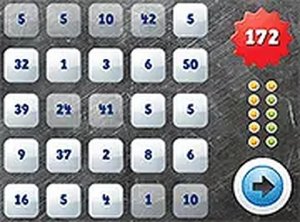
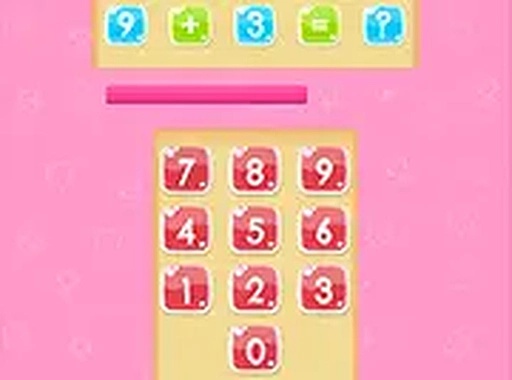
Players typically use a keyboard or mouse to interact with the game. A math problem appears on the screen along with multiple choice answers. There is a limited amount of time to select the correct answer before moving to the next question. The game tracks correct responses and the speed of each answer, providing feedback that helps players measure their progress. As the game advances, problems become harder, covering addition, subtraction, multiplication, and division. The goal is to answer as many questions correctly as possible before the timer runs out. For a more focused experience, players can use full-screen mode.
Game Features
Timed math challenges with increasing difficulty levels keep the gameplay engaging. The simple interface allows for quick responses without distractions. The game tracks both correct answers and response speed, giving players clear feedback on their performance. It works best on a desktop computer with a keyboard or mouse. Quick Math Challenge is completely free to play and requires no installation, making it accessible to anyone with a modern web browser.
Tips for Success
Practice regularly to improve both speed and accuracy. Focus on maintaining a steady pace rather than rushing through problems. Use the feedback from each round to identify areas that need more practice. Taking short, consistent sessions can help build confidence and keep the mind sharp.